Getting started with templates
What is a template?
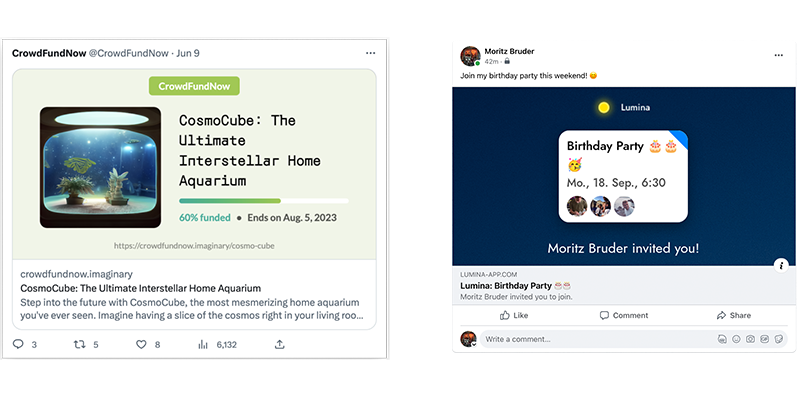
A template represents one layout that can be rendered using whatever values you provide. Each template also corresponds to one endpoint used to generate these images:
How to create a template
Creating a template is very straight forward: Go to app.carimbo.dev and click the New Template button.
Enter the requested information:
pathbecomes part of the url that you call to generate images.titlehelps you identify this template in carimbo's console.widthandheightdefine the size of your image (dynamic sizing will be added in the future).
Click the Create button and you're done! 🌈
You will be taken straight to the editor page for your new template. Learn how to set up your template.